Some screenshots from different operating systems with different look&feel and themes. Click on the thumbnail to see the full-size picture:
| 
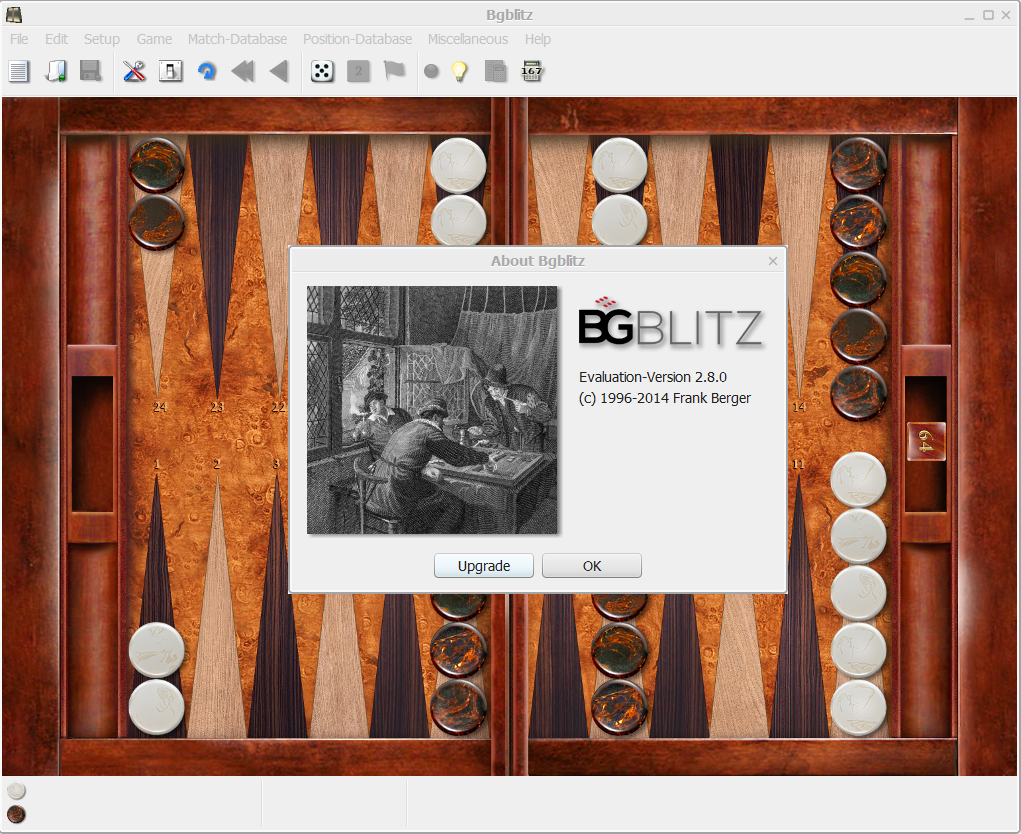
The About dialog | 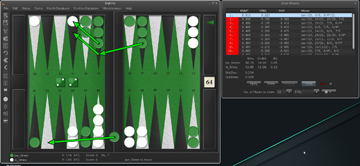
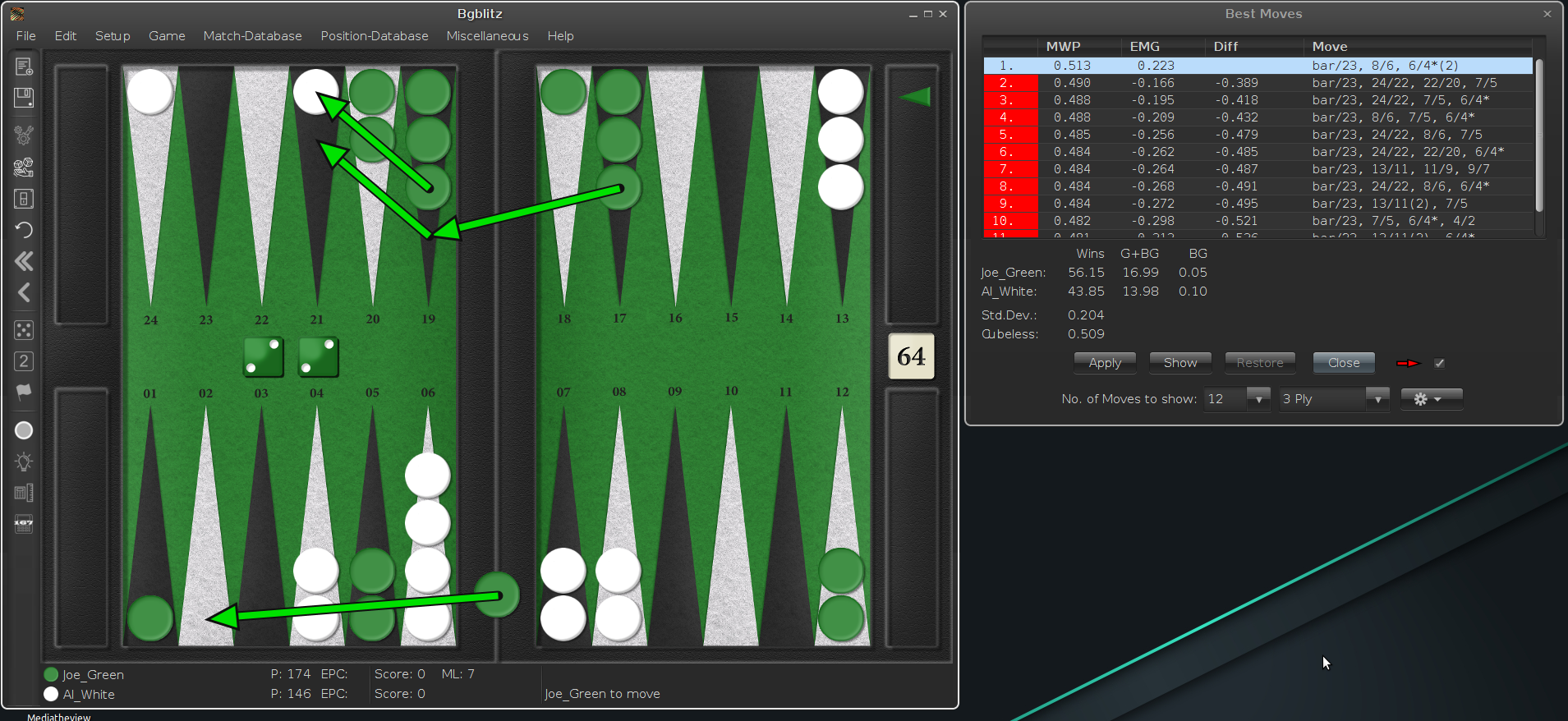
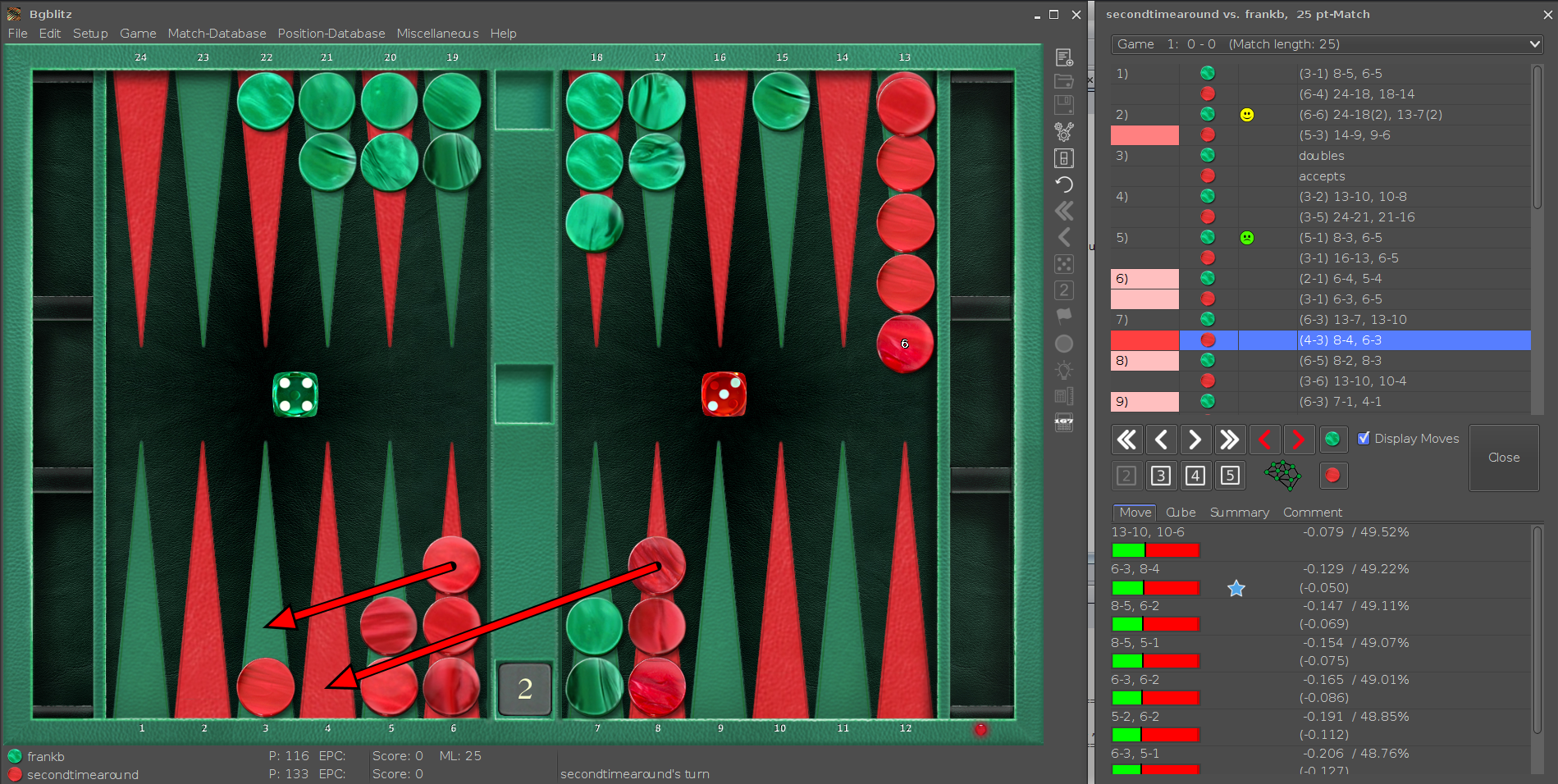
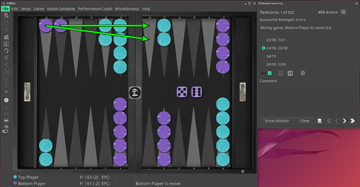
BGBlitz selection of the best moves. |
| 
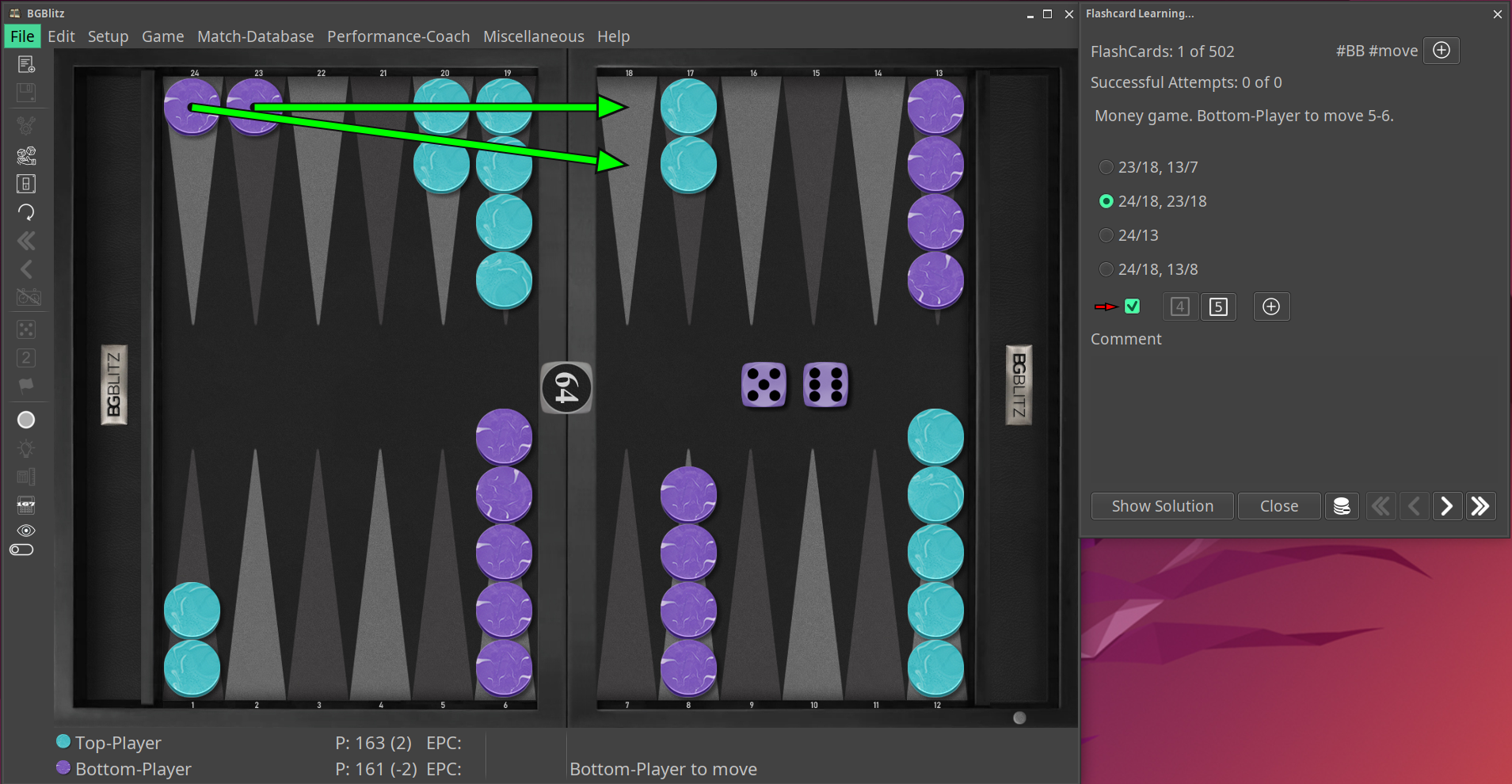
The new performance coach (i.e. Learning tool) | 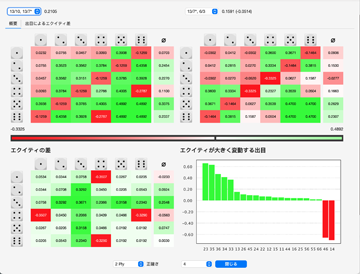
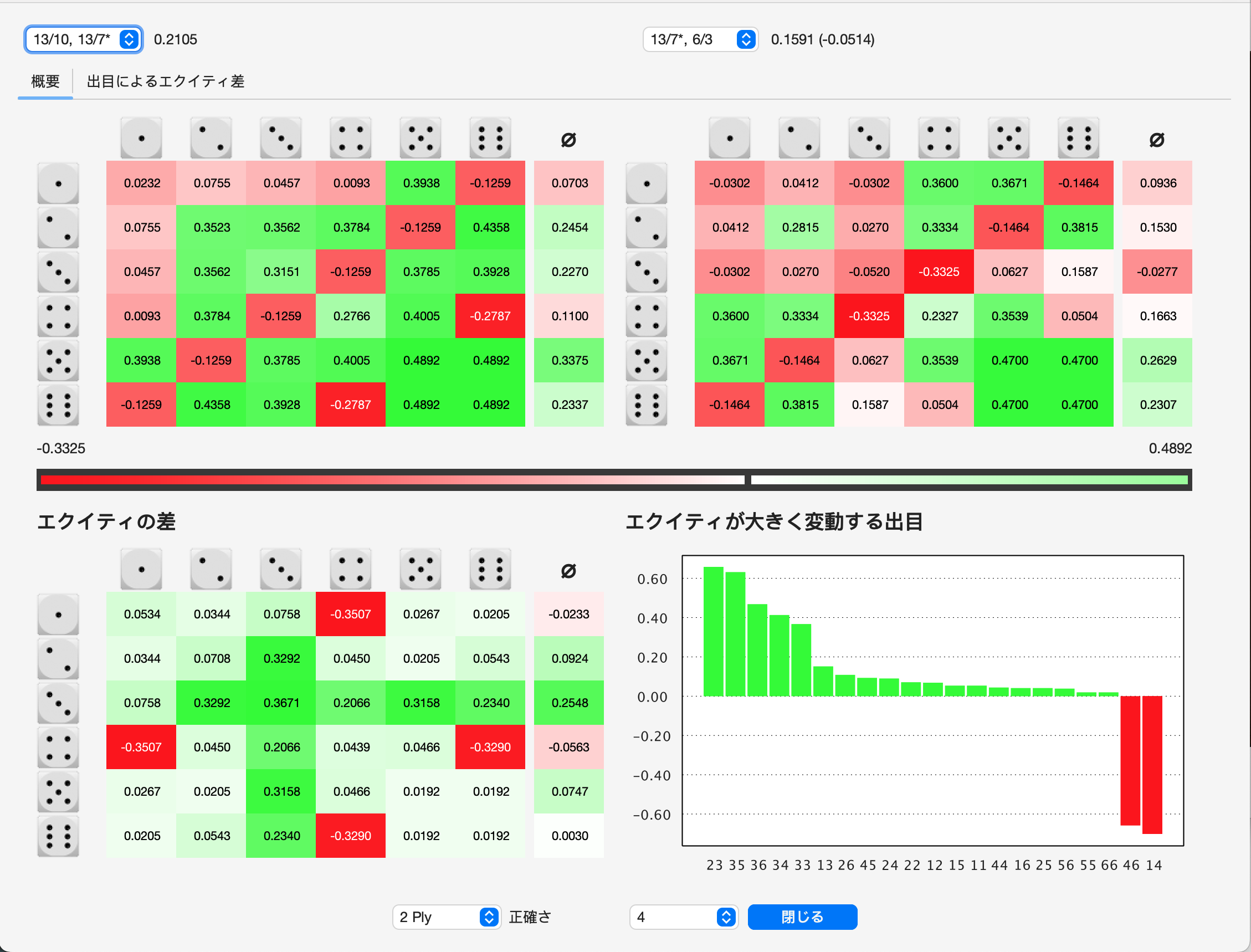
The move/roll analysis (in Japanese). |
| 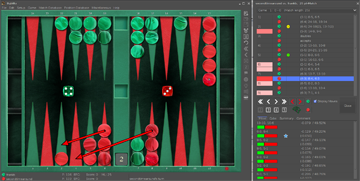
The match analysis | 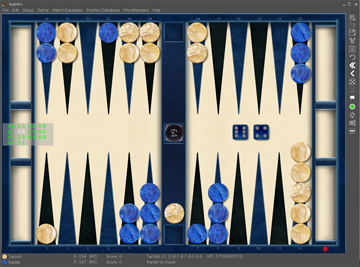
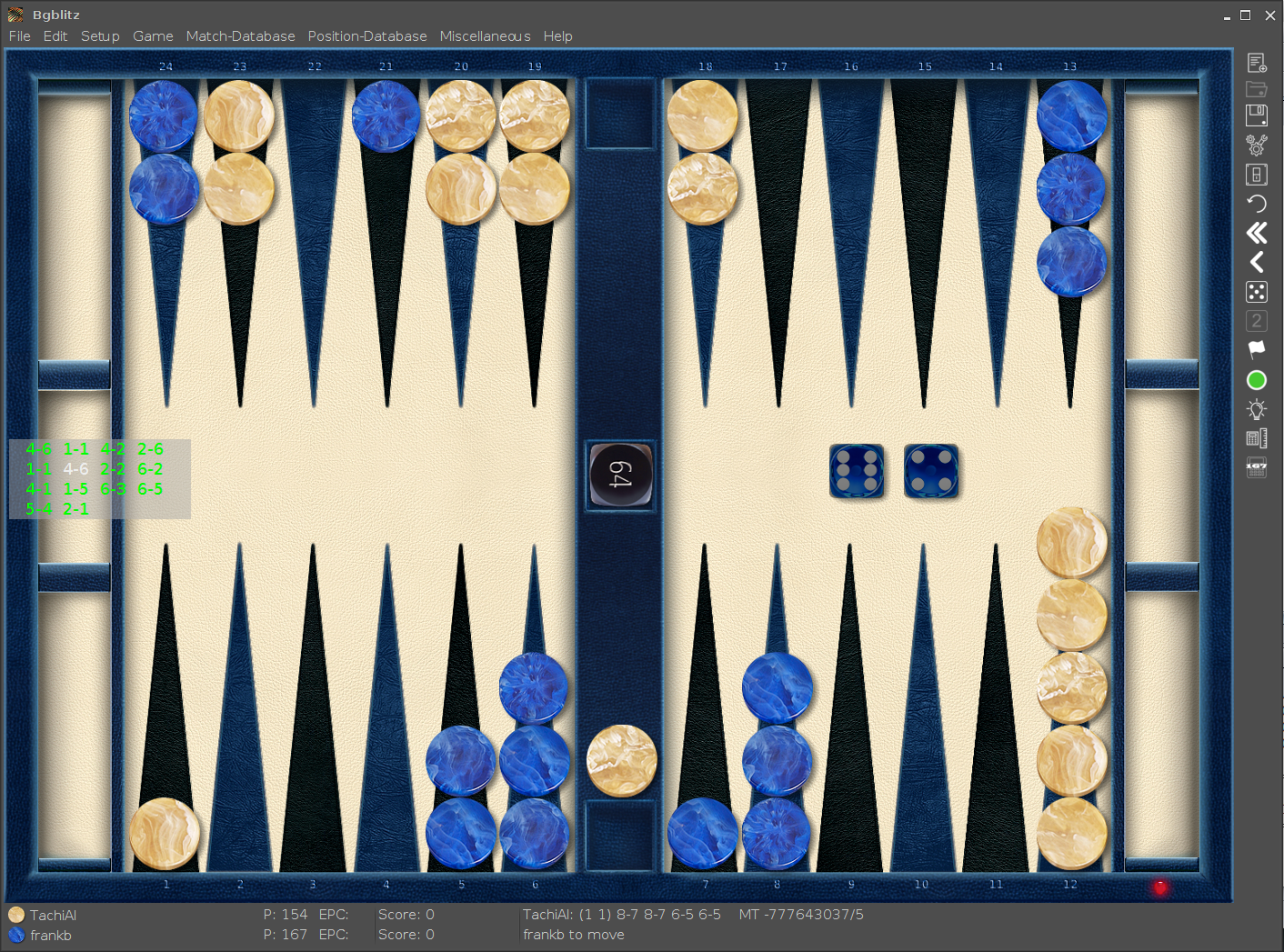
Game play with random preview. |
| 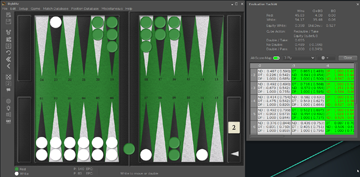
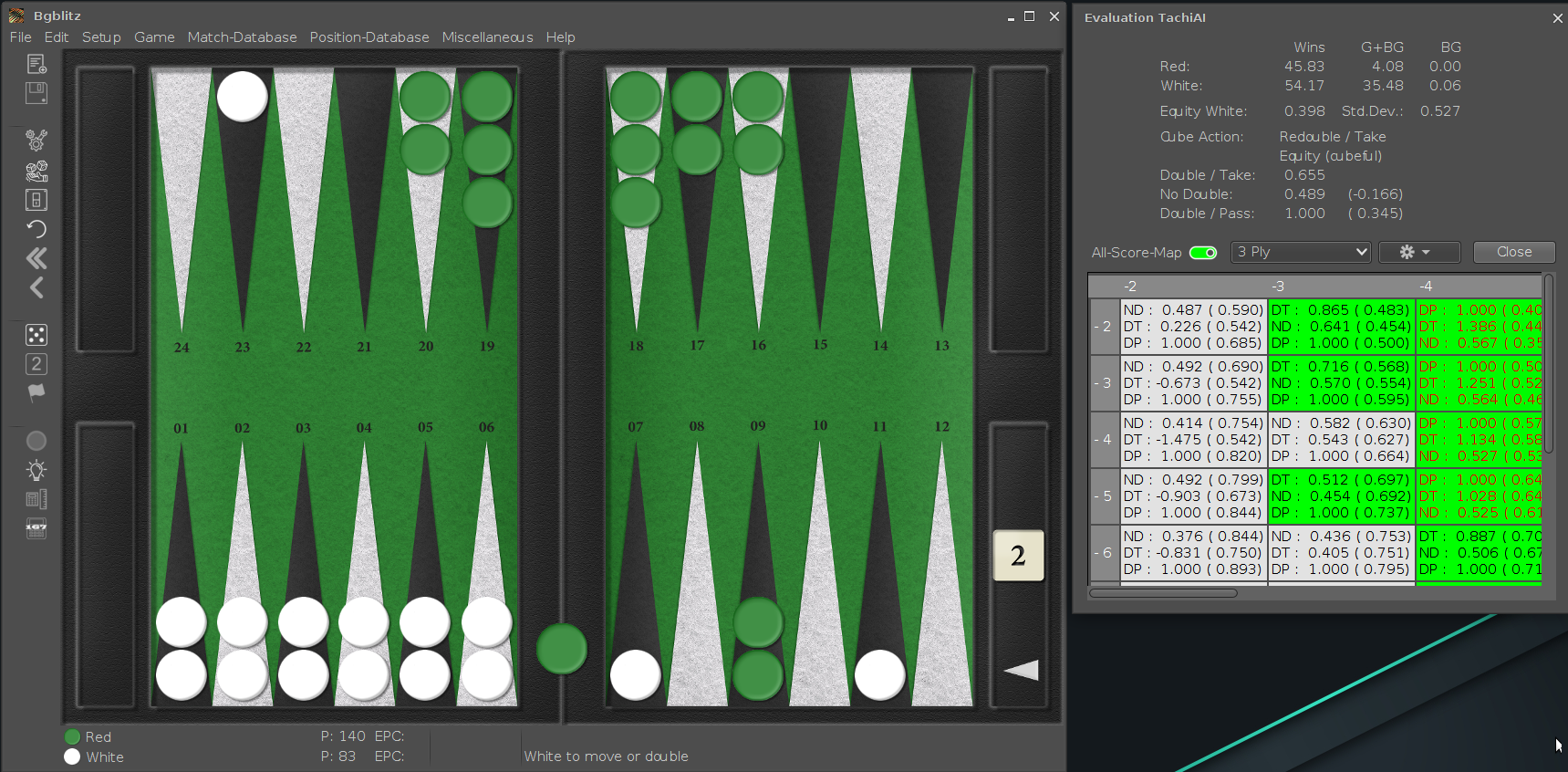
Shows TachiAI's evaluation of the current position with the new "All Score Map".
| 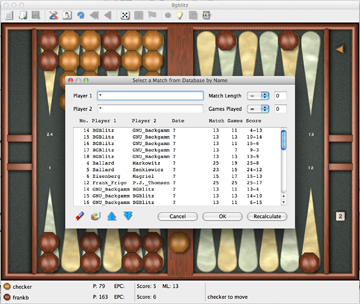
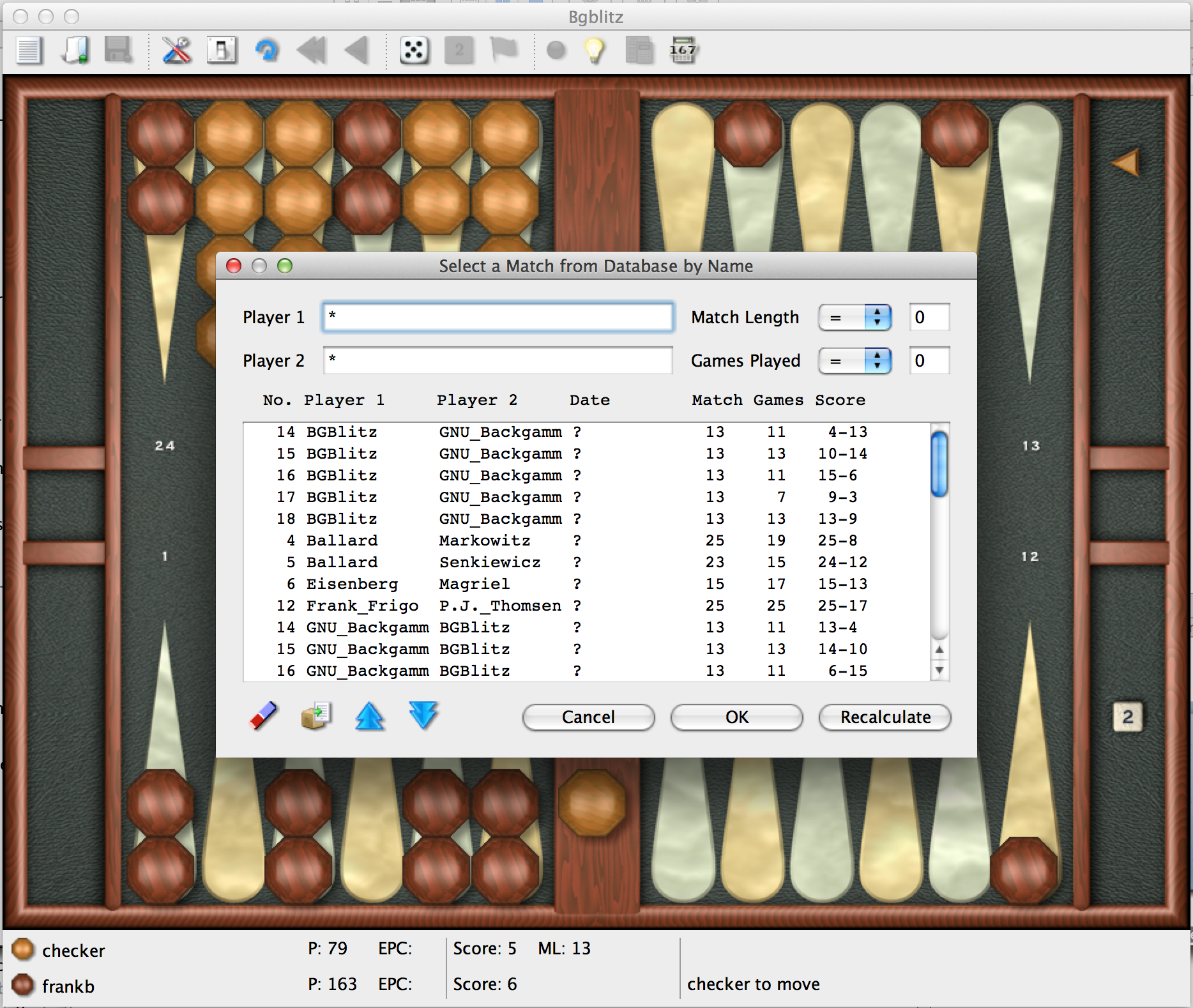
In a match database you can search a match to replay using several criteria.
|
| 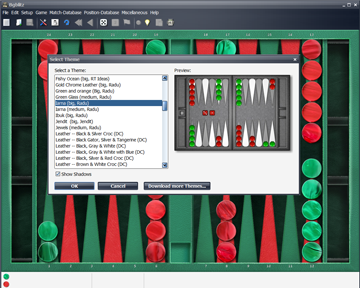
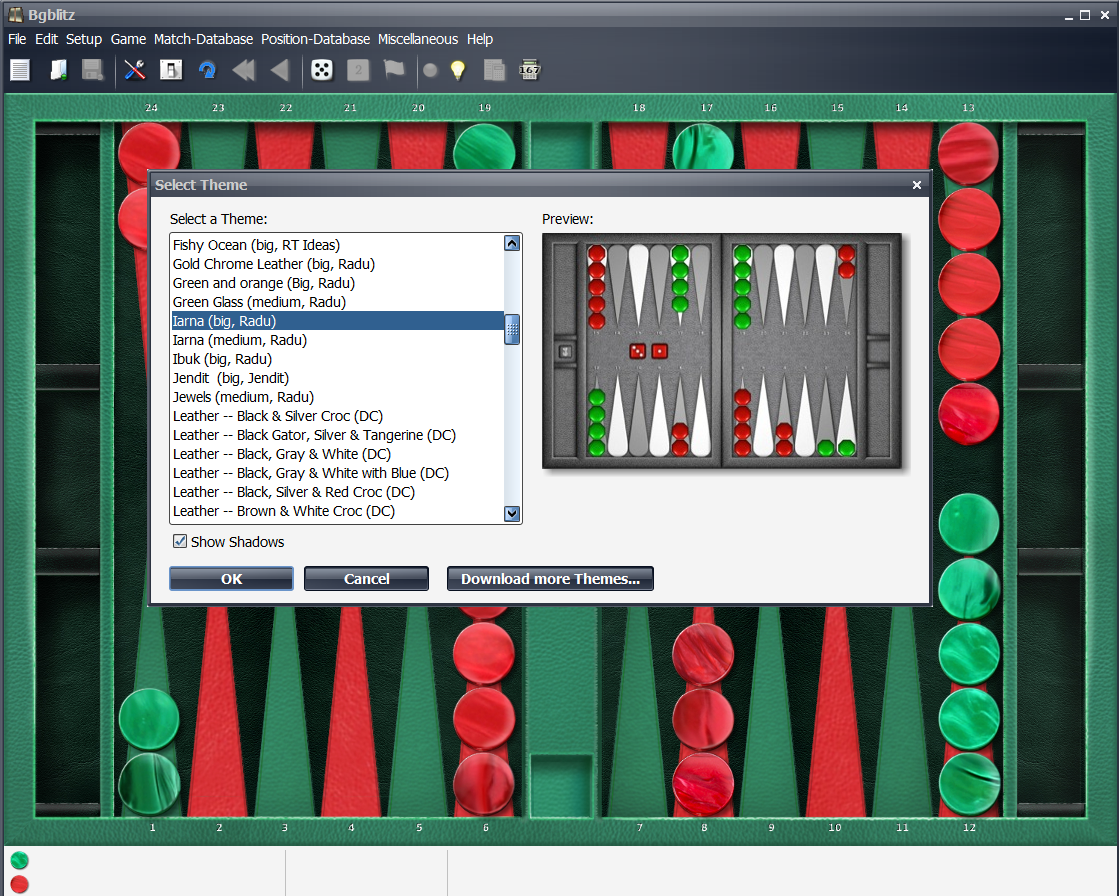
Select between more than 40 different themes.
| 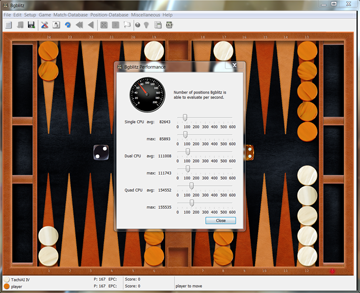
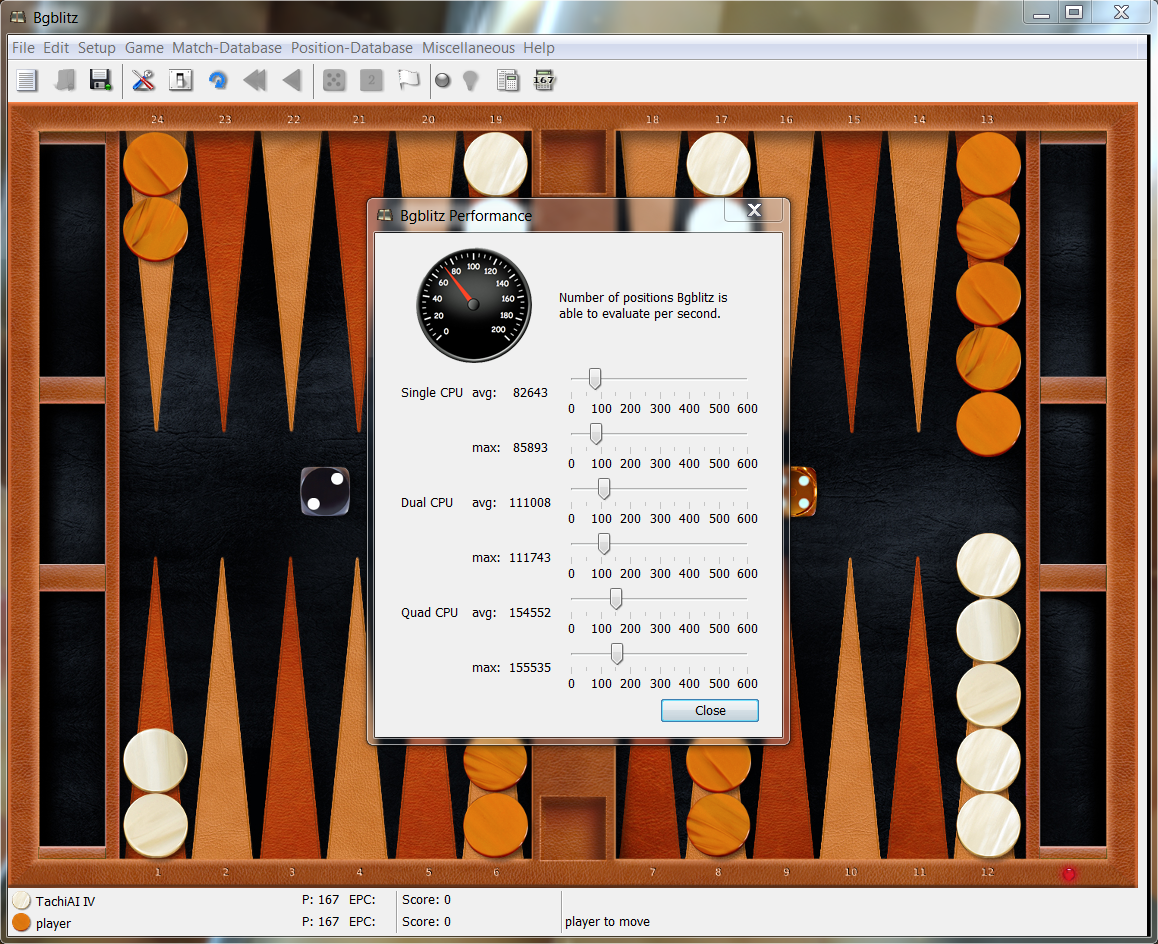
How fast is BGBlitz on your computer and how many CPUs are used.
|
| 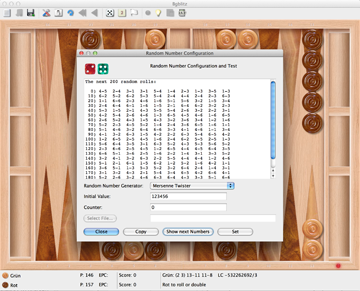
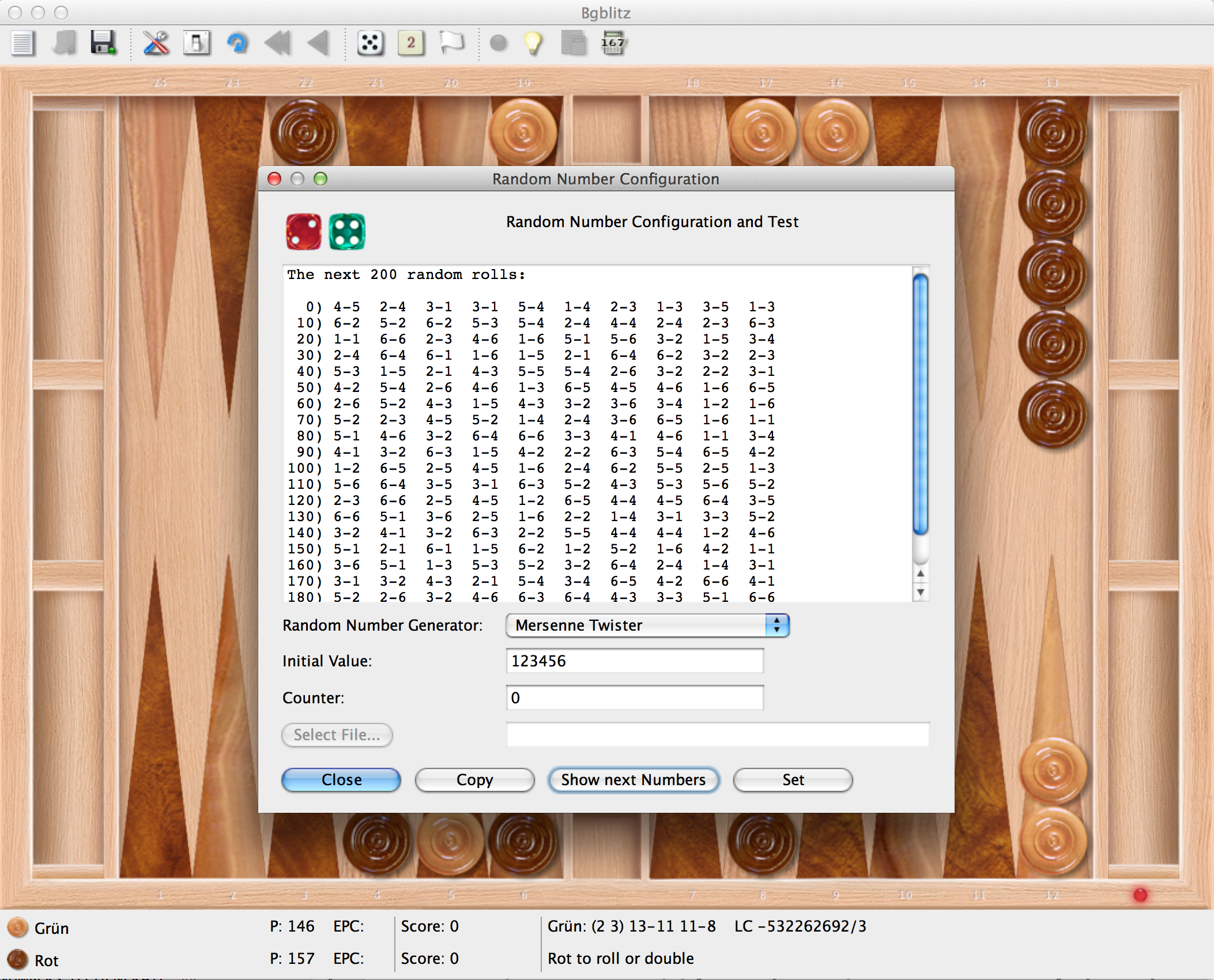
Configure the random number generator.
| 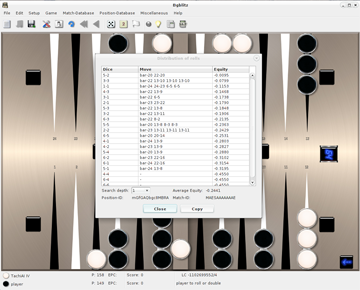
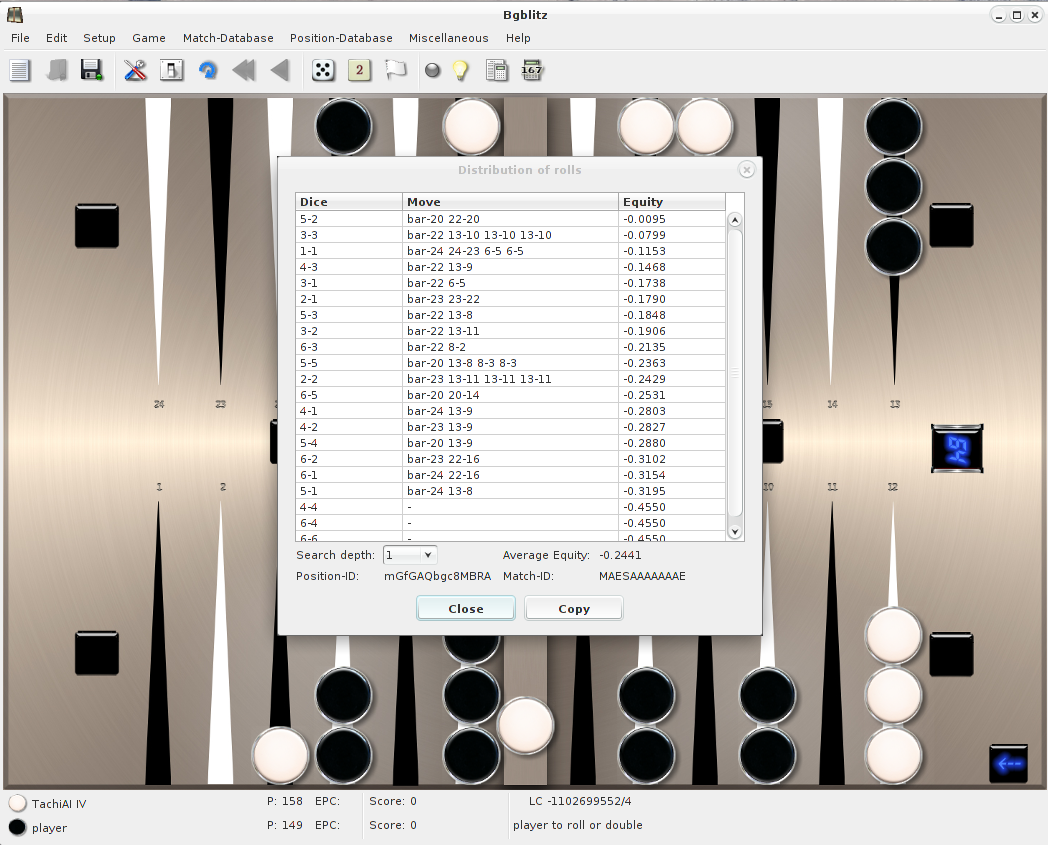
Distribution of the rolls (was I lucky or not?).
|
| 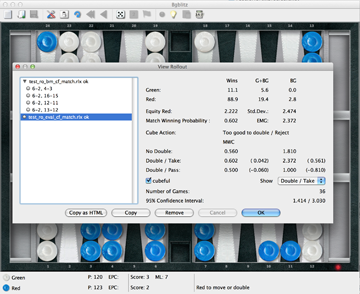
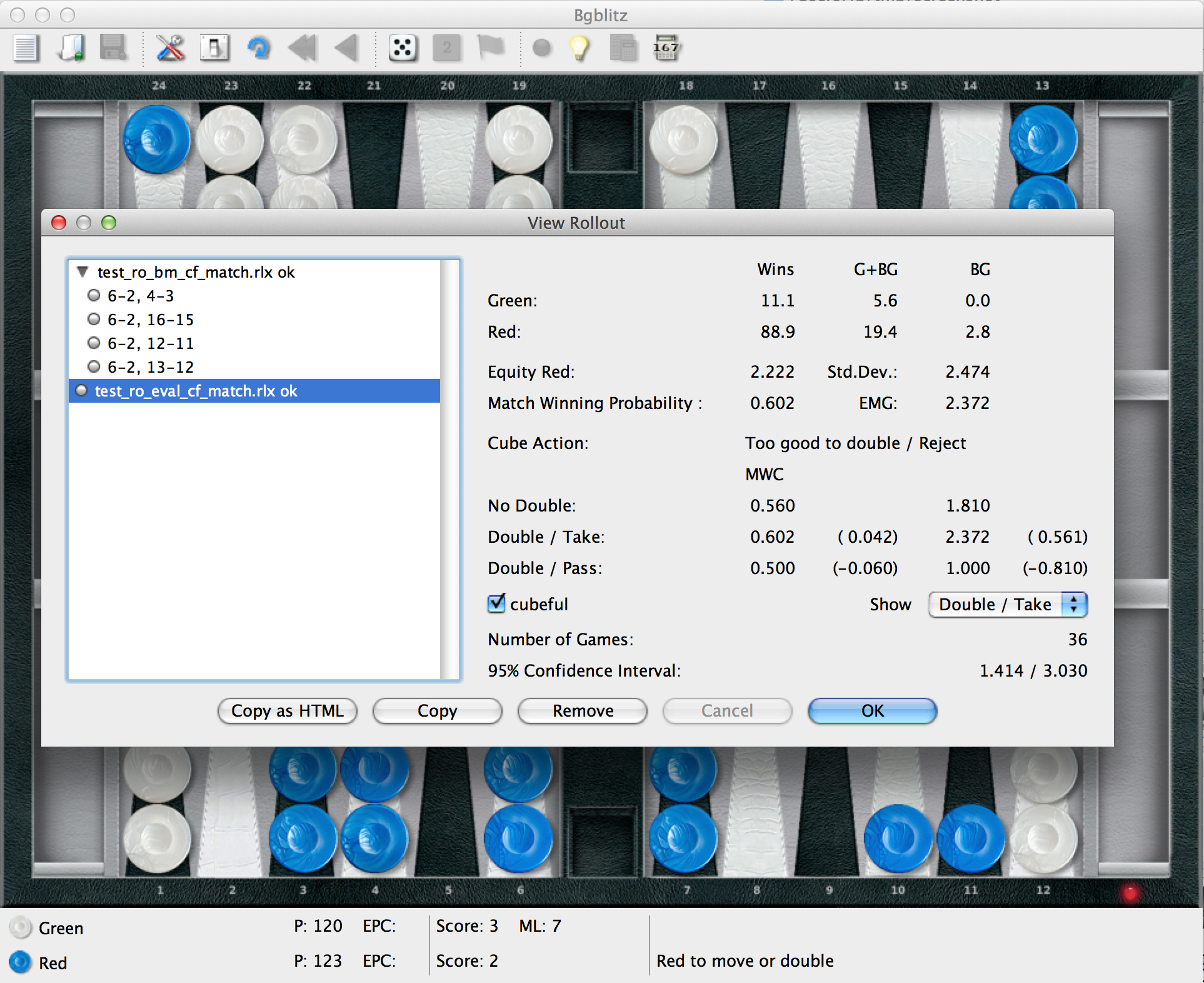
Viewing the results of a rollout.
| 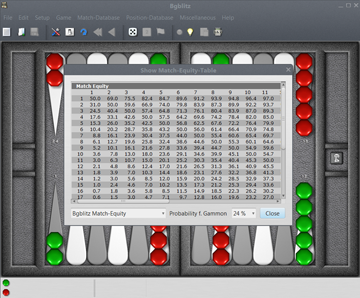
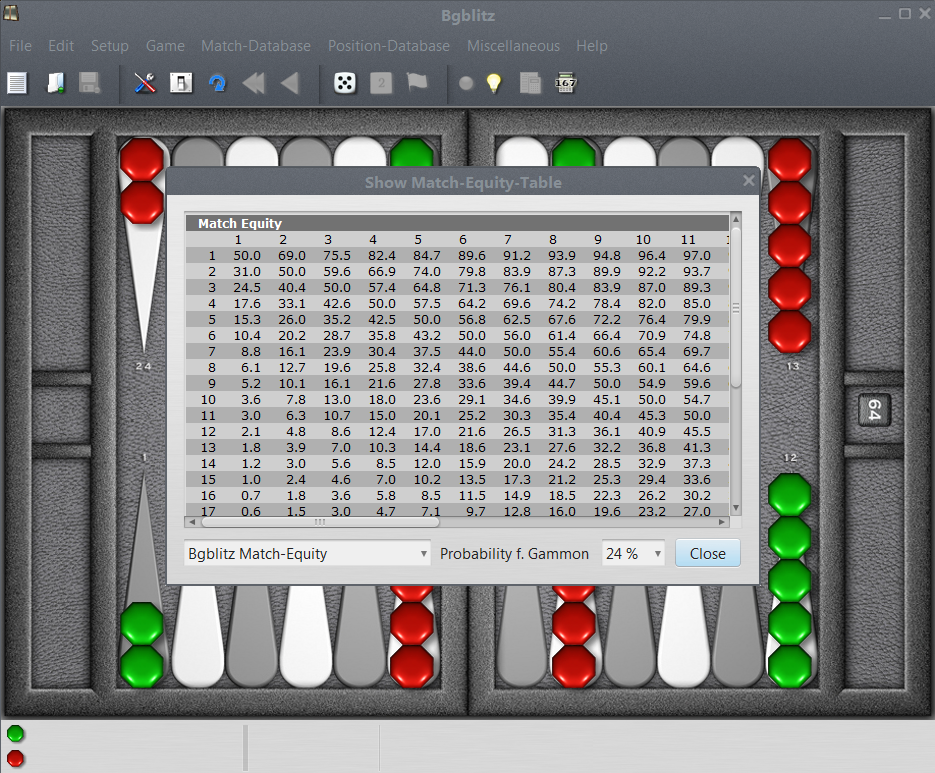
The match equity table to use can be selected.
|